
操作软件环境为 FireFox 128 版本
原因
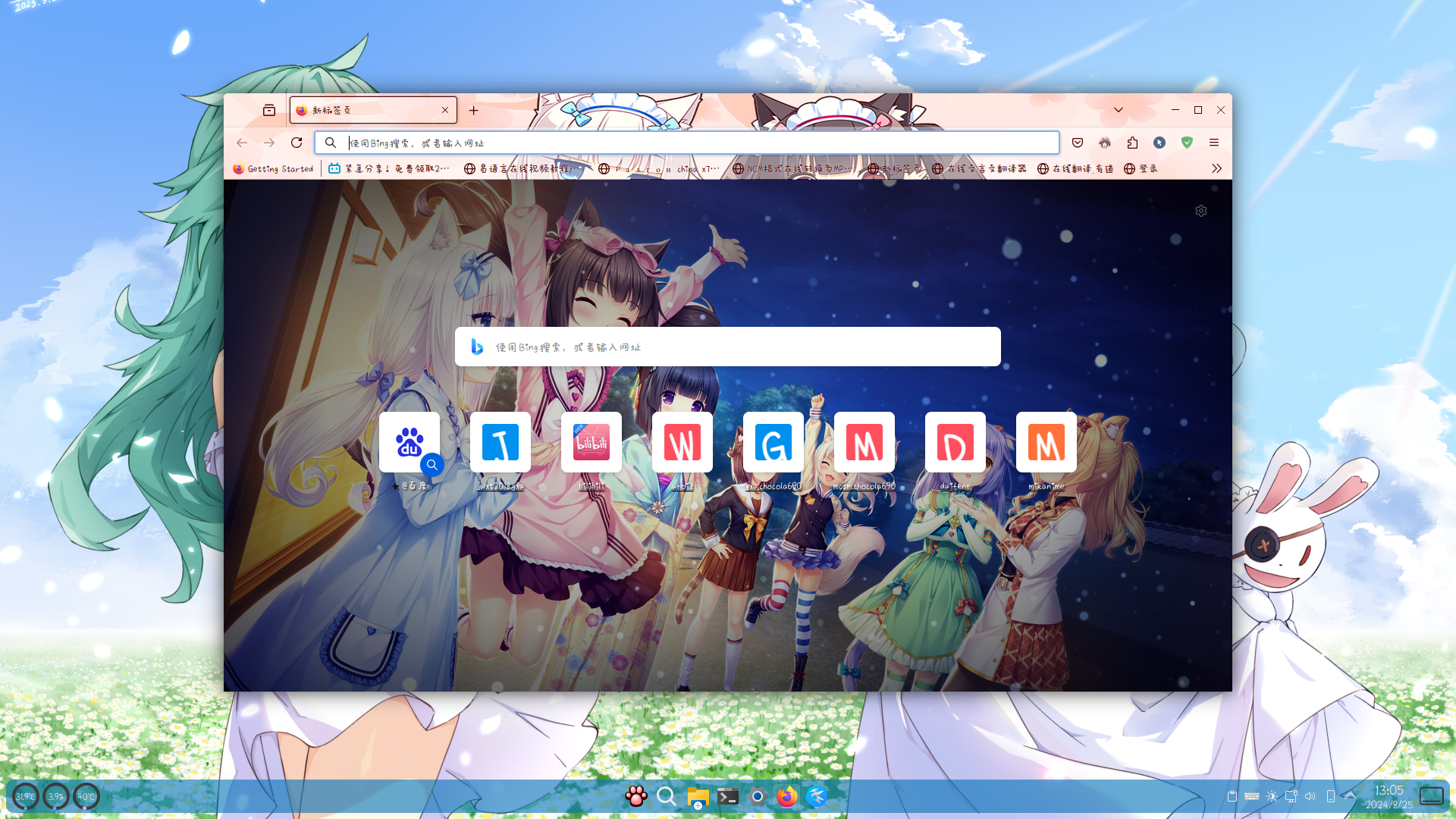
默认的firefox背景是空白的,我觉得不够好看,于是想设置自定义的背景。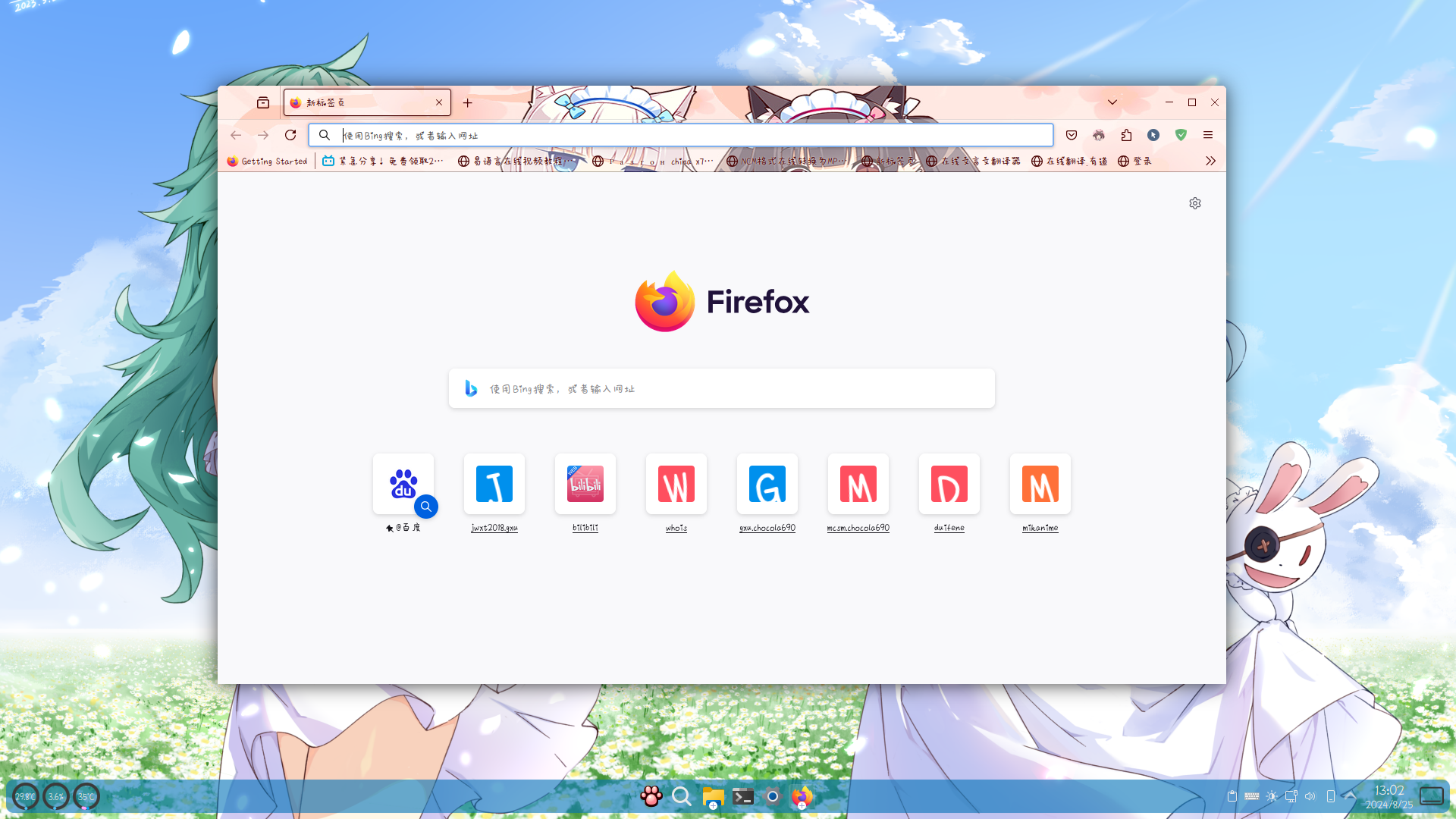
步骤1,找到配置文件目录
在浏览器地址栏输入about:profiles,回车即可打开相关页面,然后打开正在使用的配置文件目录: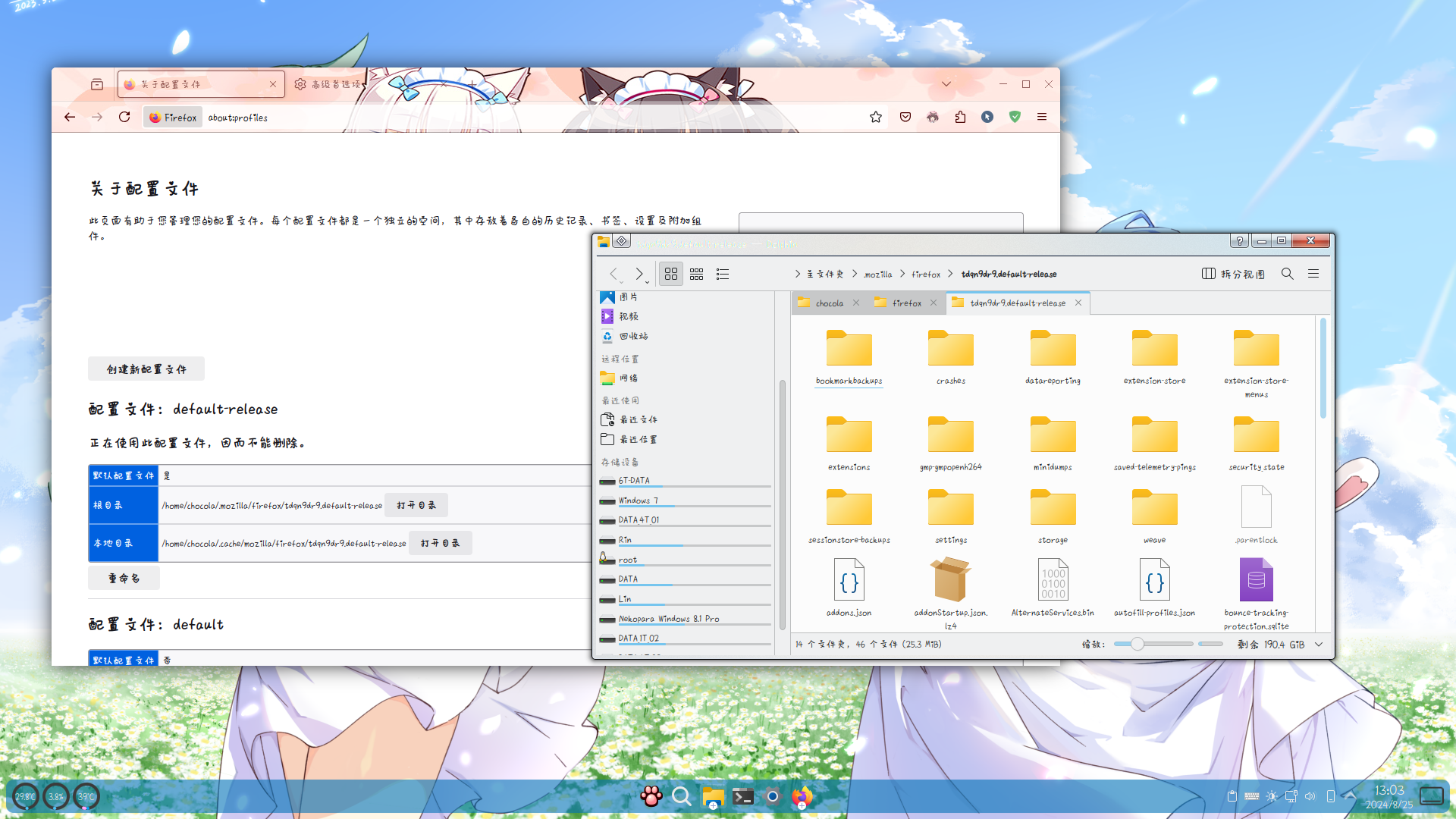
步骤2,创建相关文件
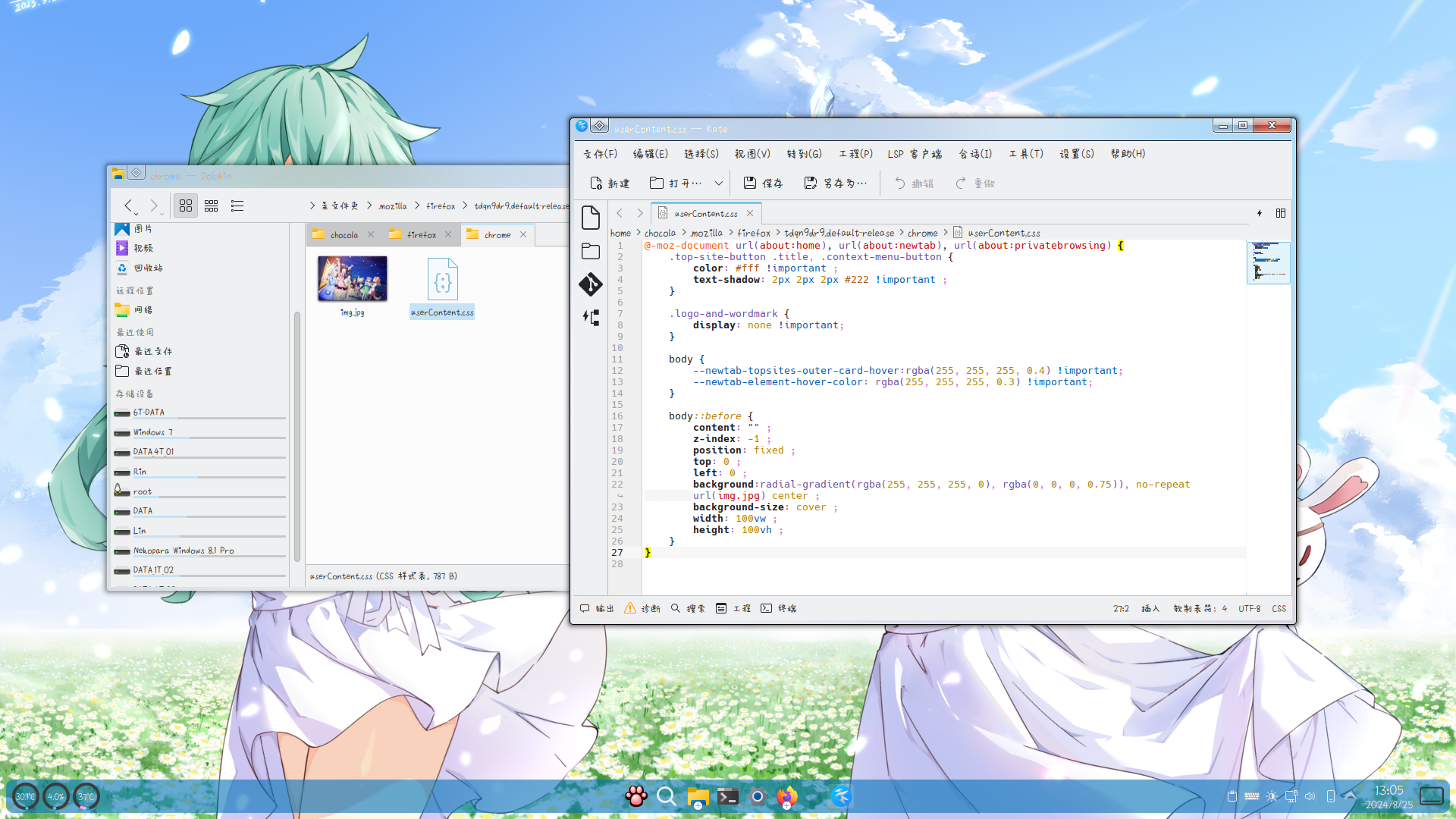
新建一个文件夹,名称为chrome(身为firefox浏览器居然要创建名叫chrome的文件夹就离谱),把需要的背景图片文件命名为img.jpg放入新建的chrome文件夹,然后创建一个userContent.css文件,内容如下:
@-moz-document url(about:home), url(about:newtab), url(about:privatebrowsing) {
    .top-site-button .title, .context-menu-button {
        color: #fff !important ;
        text-shadow: 2px 2px 2px #222 !important ;
    }

    .logo-and-wordmark {
        display: none !important;
    }

    body {
        --newtab-topsites-outer-card-hover:rgba(255, 255, 255, 0.4) !important;
        --newtab-element-hover-color: rgba(255, 255, 255, 0.3) !important;
    }

    body::before {
        content: "" ;
        z-index: -1 ;
        position: fixed ;
        top: 0 ;
        left: 0 ;
        background:radial-gradient(rgba(255, 255, 255, 0), rgba(0, 0, 0, 0.75)), no-repeat url(img.jpg) center ;
        background-size: cover ;
        width: 100vw ;
        height: 100vh ;
    }
}
步骤3,更改firefox的相关设置
地址栏打开about:config,搜索toolkit.legacyUserProfileCustomizations.stylesheets,然后把false改为true。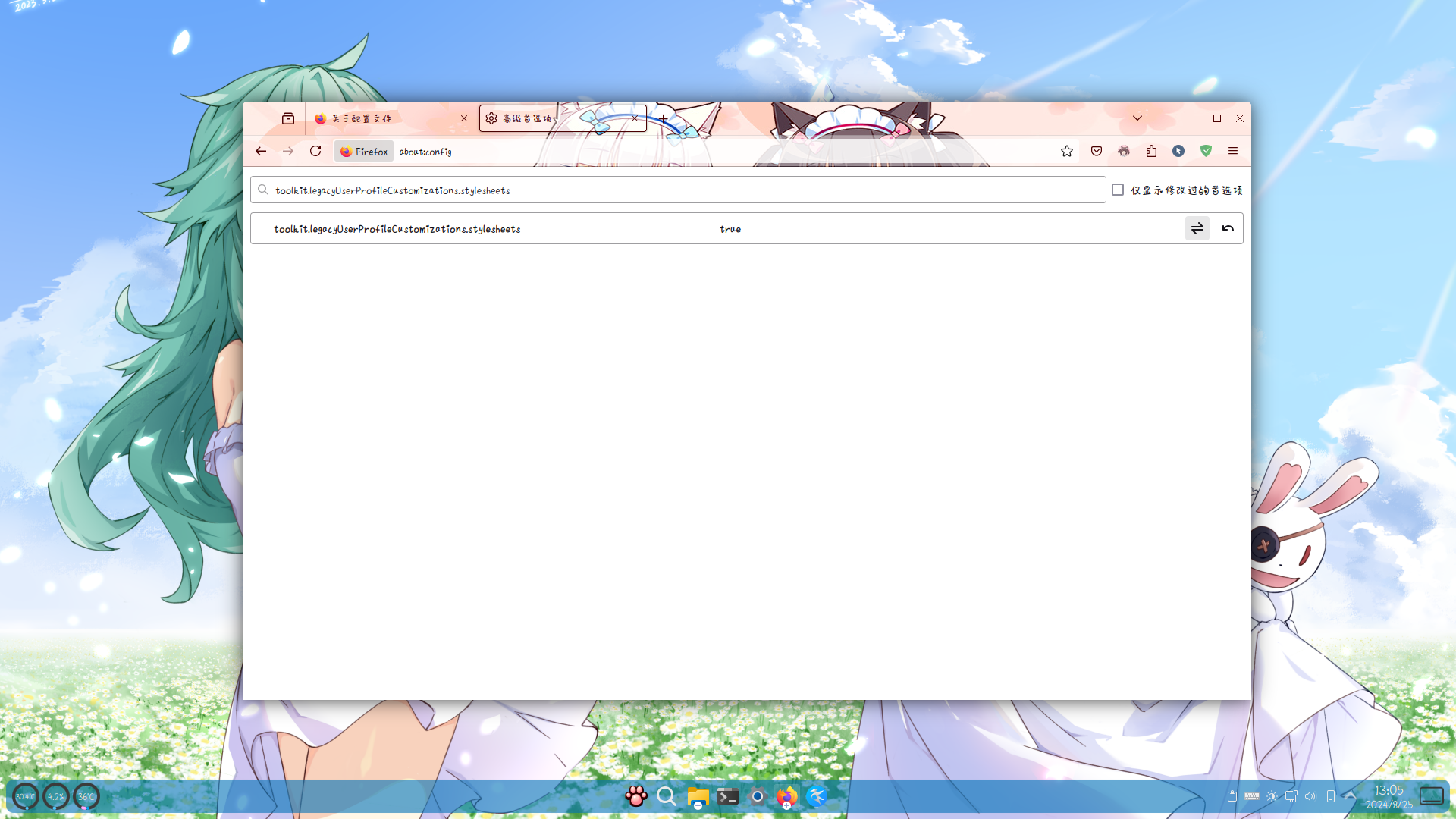
步骤4,重启浏览器,即可查看效果
2025年12月补充:
现在新版的Firefox (例如Firefox 140)已经可以在标签页直接上传自定义图像了,不再需要按照本文方法设置。